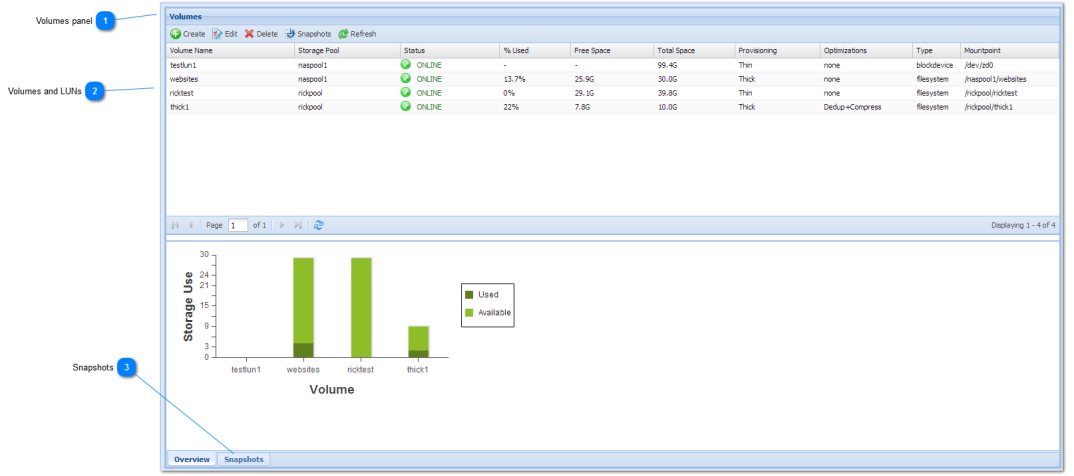
Volumes panel
The Volumes panel displays the list of storage volumes as a list in a tabular grid format.
|
 Volumes and LUNs
The Volumes panel is used to administer storage "volumes". A "volume" is a filesystem consisting of shares, folder and files.
Volumes are shared over the network using file sharing protocols such as NFS and CIFS for filesystem volumes and iSCSI for block-device volumes (LUNs).
|
 Snapshots
The Snapshots tab displays the Snapshot control panel, to view and manage snapshots. For convenience, you can click the Snapshots button to switch tot he snapshots view.
|
|