SoftNAS™ Reference Guide |
||
|
|
||
|
Copyright © 2012 SoftNAS, LLC.
|
SoftNAS™ Reference Guide |
|||||
|
|||||
|
Copyright © 2012 SoftNAS, LLC.
|
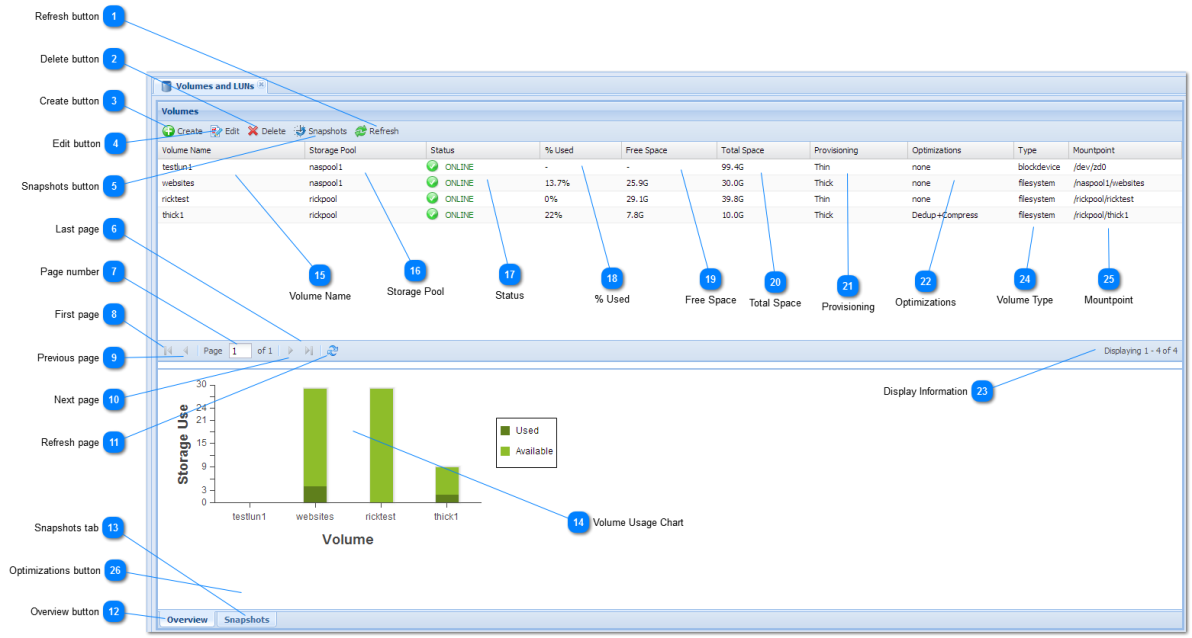
 Create button
The Create button is used to create a new volume.
See Create Volume for more details on how to specify a volume's details and create it.
|









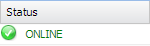
 ONLINE icon indicates the volume and pool are online, healthy and operating normally.
 DEGRADED icon indicates the volume's pool is in a degraded state, continues to process data normally, but is at increased risk and requires attention; e.g., replace a failed disk in a RAID array.
 UNAVAIL or FAILED icon indicates the volume's pool is in a failed state and is not currently processing storage requests. This usually means there are disk failures exceeding RAID protection.