File System
The File System browser is a Java-based applet providing the ability to view and manage the filesystem.
Note: You must have Java installed on the machine where your browser is running for the file system browser to operate.
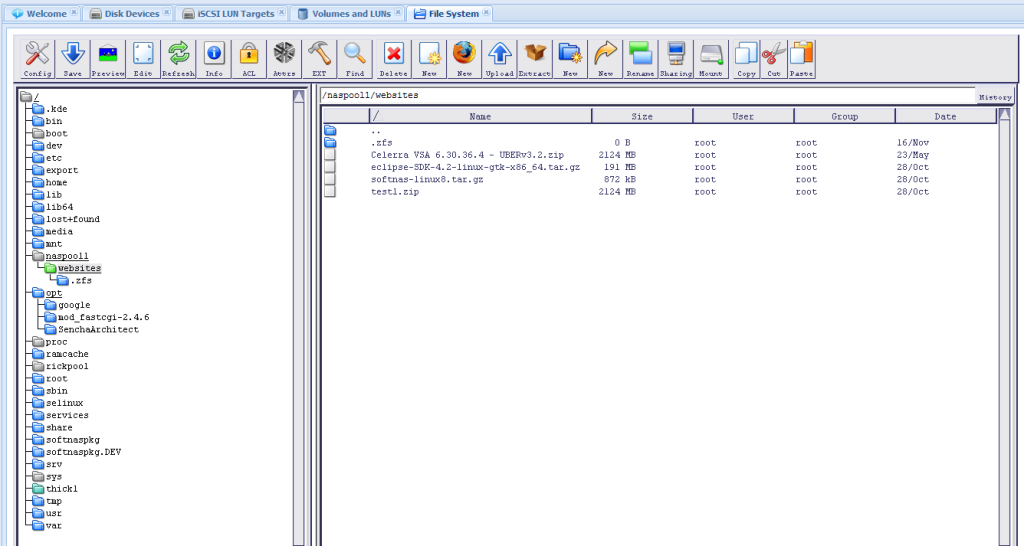
For example, as shown above, you can access the storage pool / volume named "naspool1/websites" and see its contents. There are many different tools available on the toolbar.
Note: Exercise appropriate care when making any changes to the filesystem.
Of particular interest, you can view the contents of the read-only snapshots area under the ".zfs" folder, as shown below:
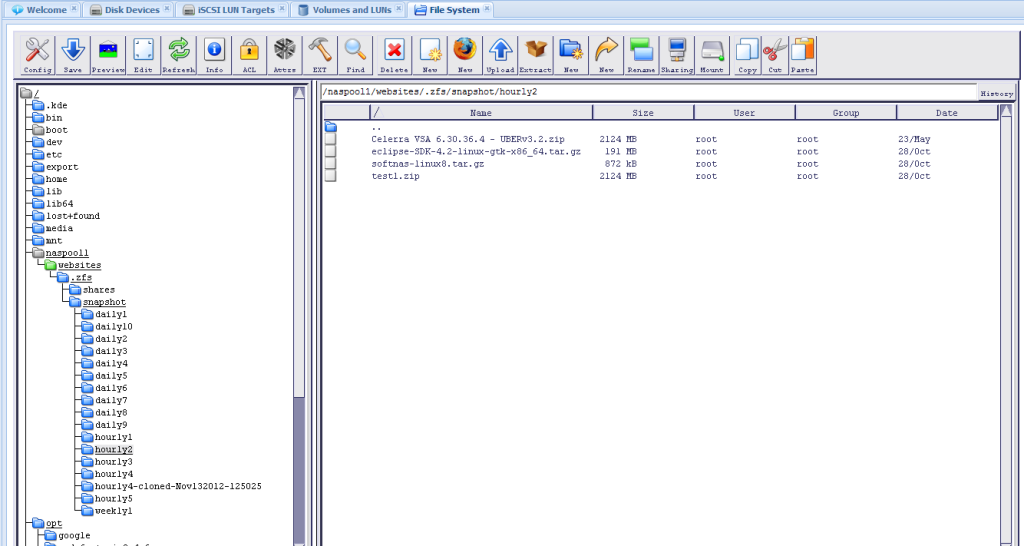
As you can see above, you can browse the various snapshot copies - which can be helpful if all you need to do is recover a lost file (by copying it out of the read-only area into a read-write area of the filesystem).