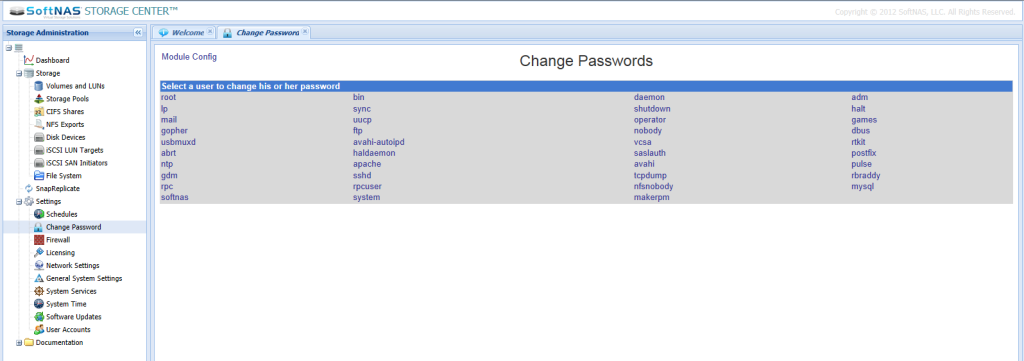
The Change Password panel can be used to change a Linux user account password.
IMPORTANT: You should change the "softnas" and "root" account passwords immediately following installation, as these are widely-known, default passwords which are not secure.
Also, do not change the password for the user "system". This is a special, no-login service account used by Webmin and integration for internal authentication between SoftNAS running in Apache and the Webmin service.